Your Kid Should
Build Games,
Not Just Play ThemNot Just
Play
Them
Live coding classes where kids build real Roblox, Minecraft, Scratch, Python, JavaScript, and robotics projects, then parents see exactly what they made after class.
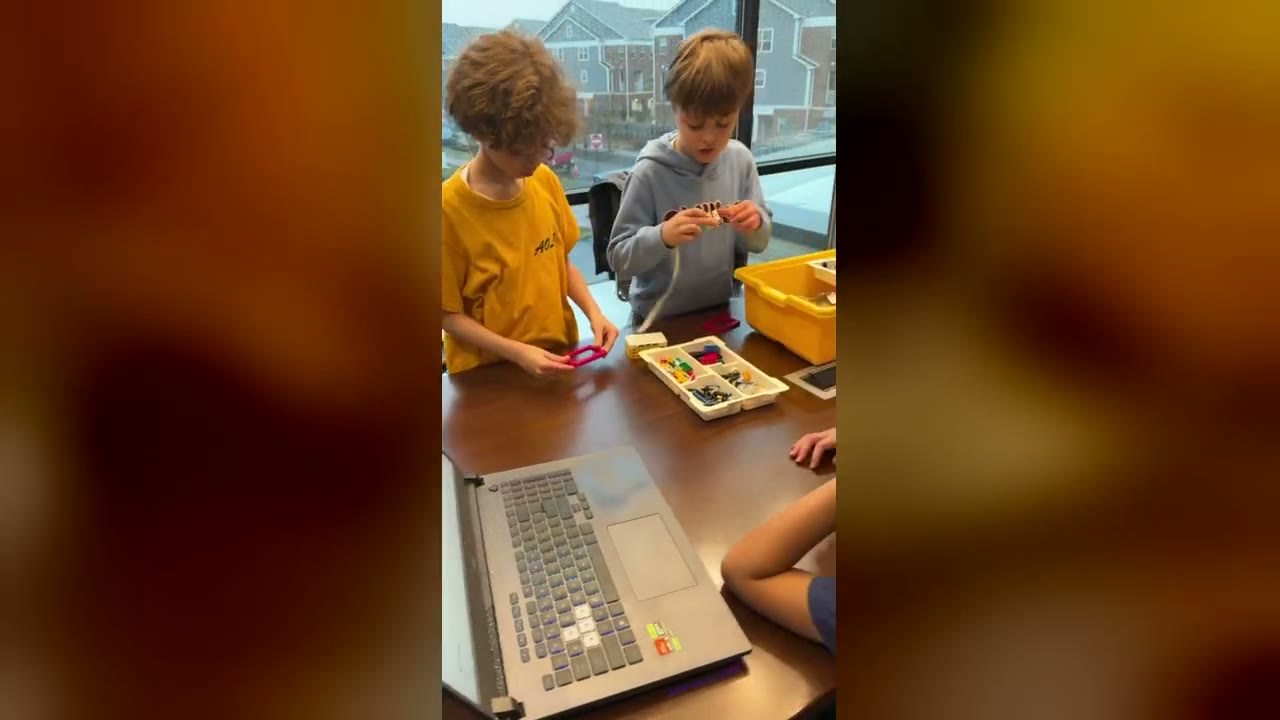
footage
From Games to Real Code
Students start with the right tool for their age, then move toward real programming.







Real Classes, Real Projects
The strongest proof is not a polished render. It is a real student, a real screen, and a project a parent can understand.
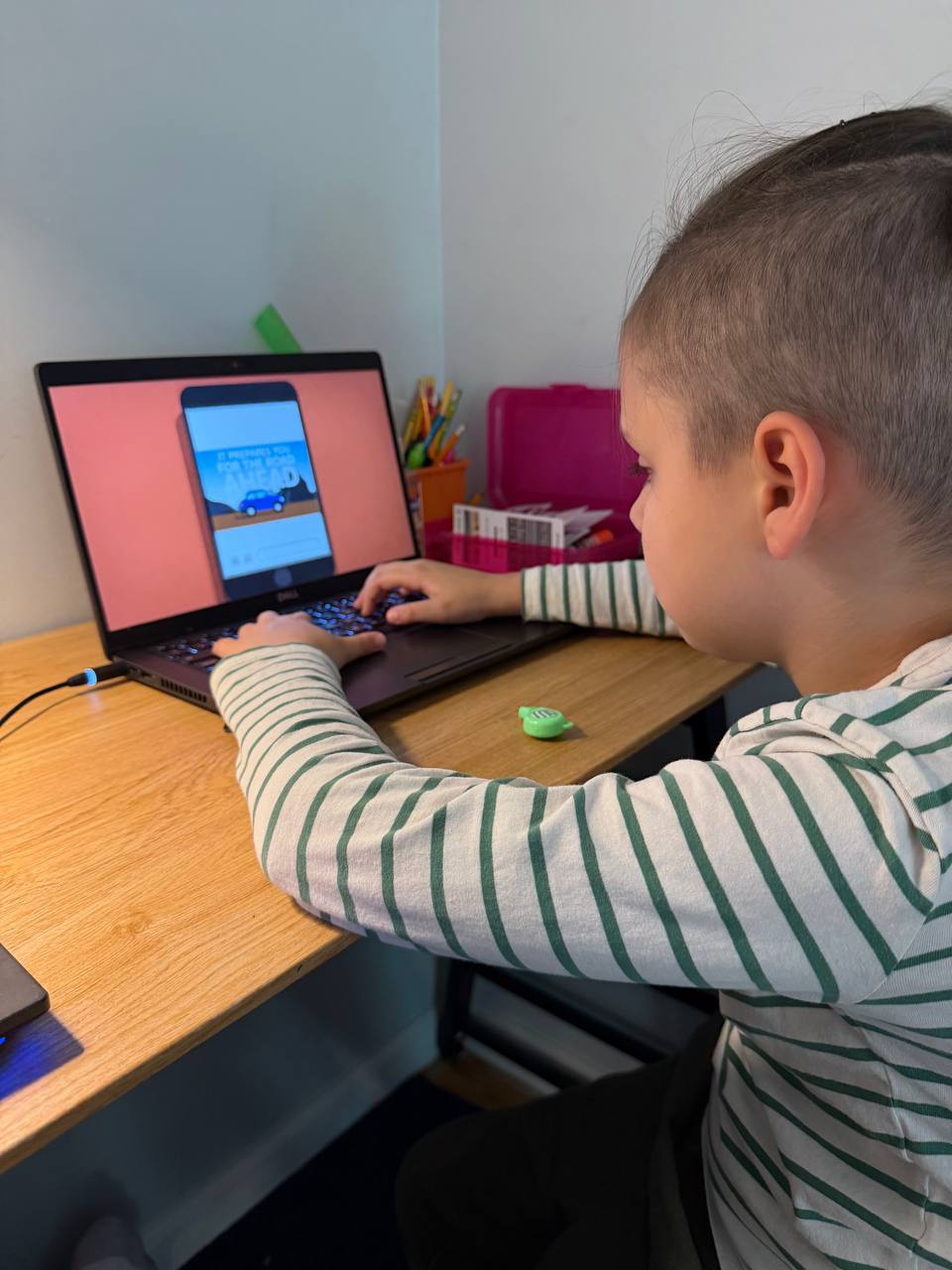
Game Builds At Home
Beginner students start with visible projects: Scratch games, movement blocks, events, and game logic they can explain.
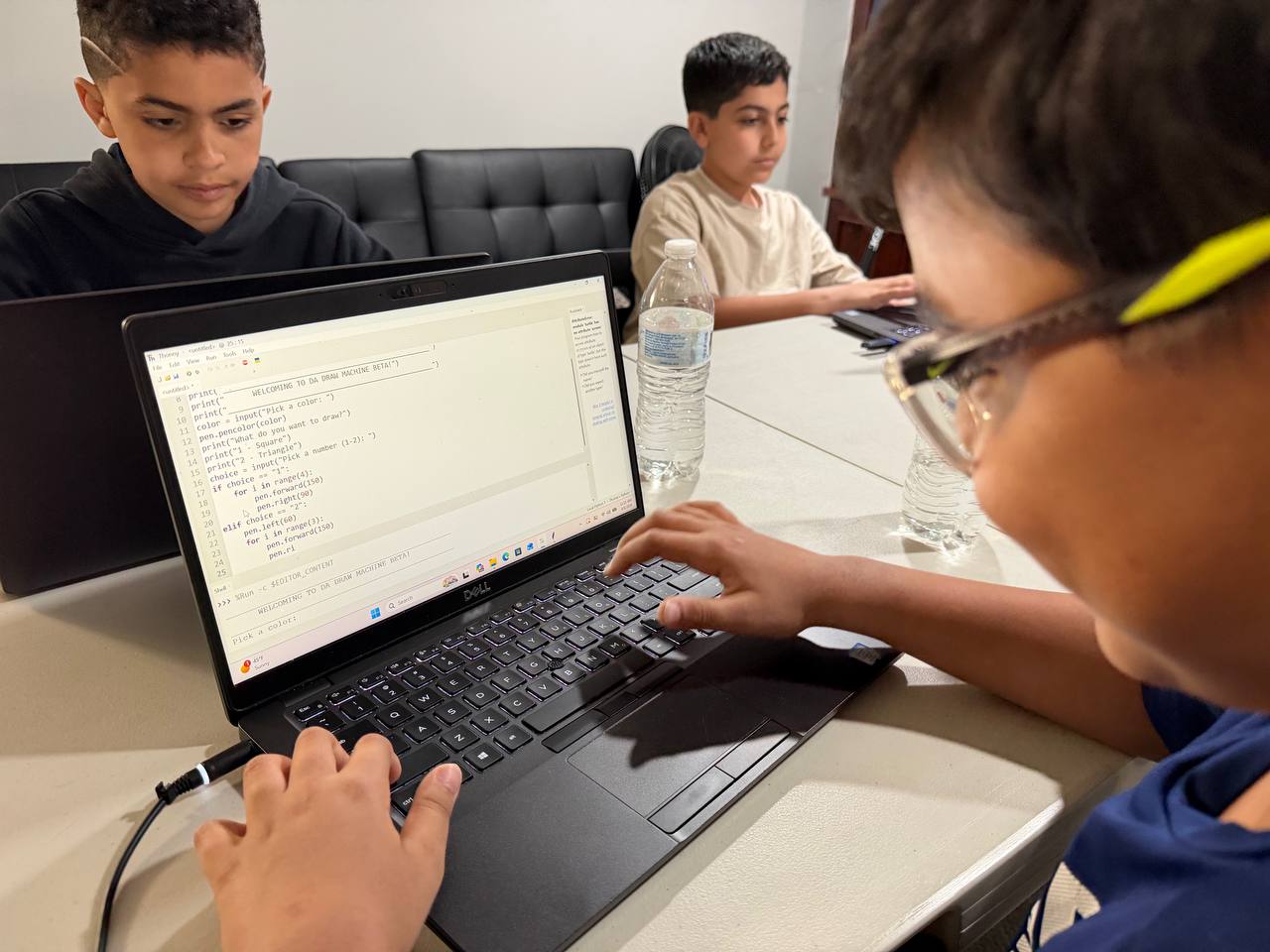
Python, When Ready
As students progress, they move from blocks into text code, debugging, and real problem solving.
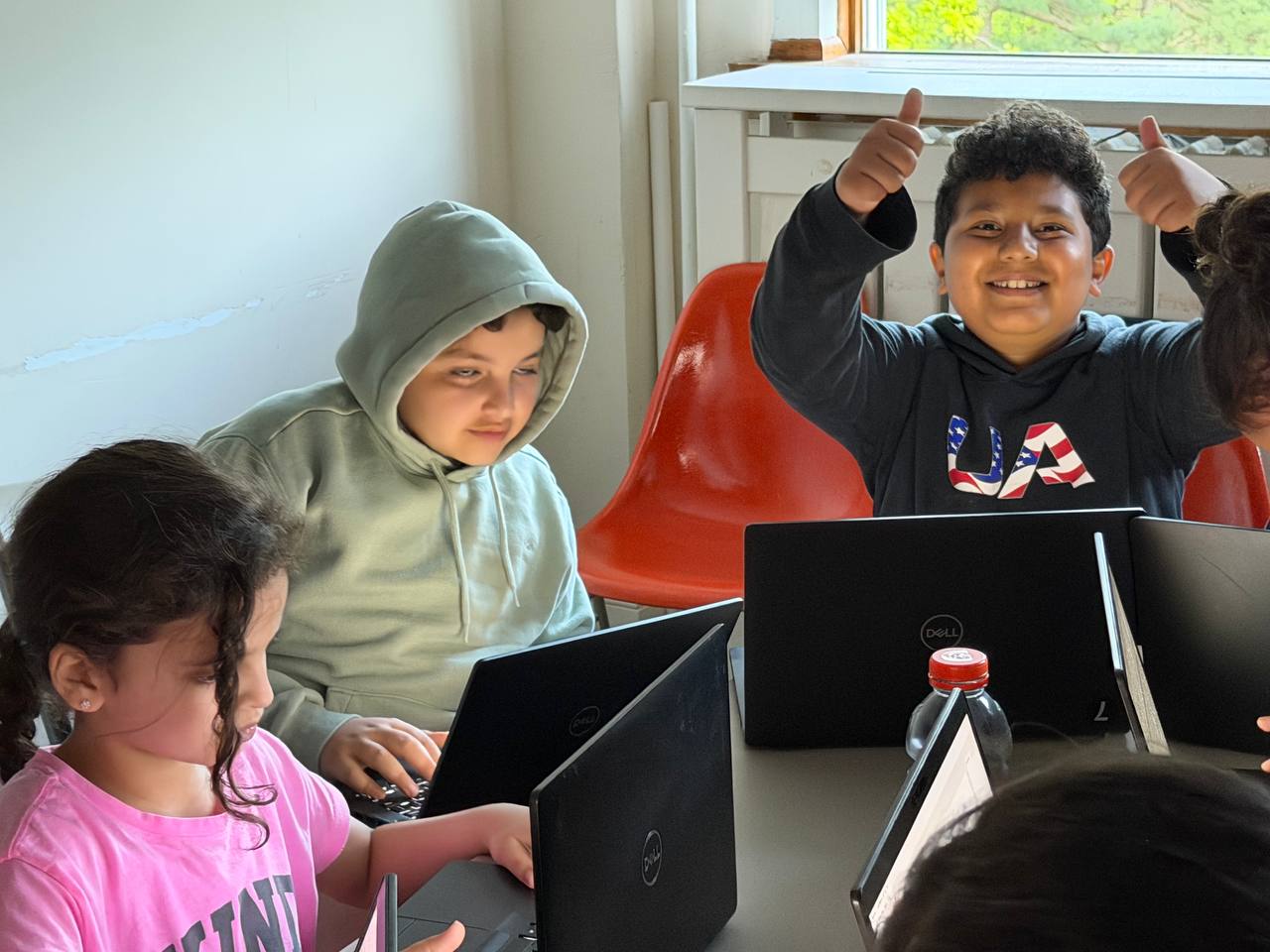
Small Group Momentum
Kids get the social energy of peers without disappearing into a huge class.
Free
Trial Class
Scratch
Game Builds
7-17
Age Range
SI
NYC & Online
Small Classes. Real Projects.
Clear instruction, visible progress, and projects your child can show you.
Pick the Right Starting Point
Beginner-friendly tracks for games, robotics, websites, Python, and app projects.
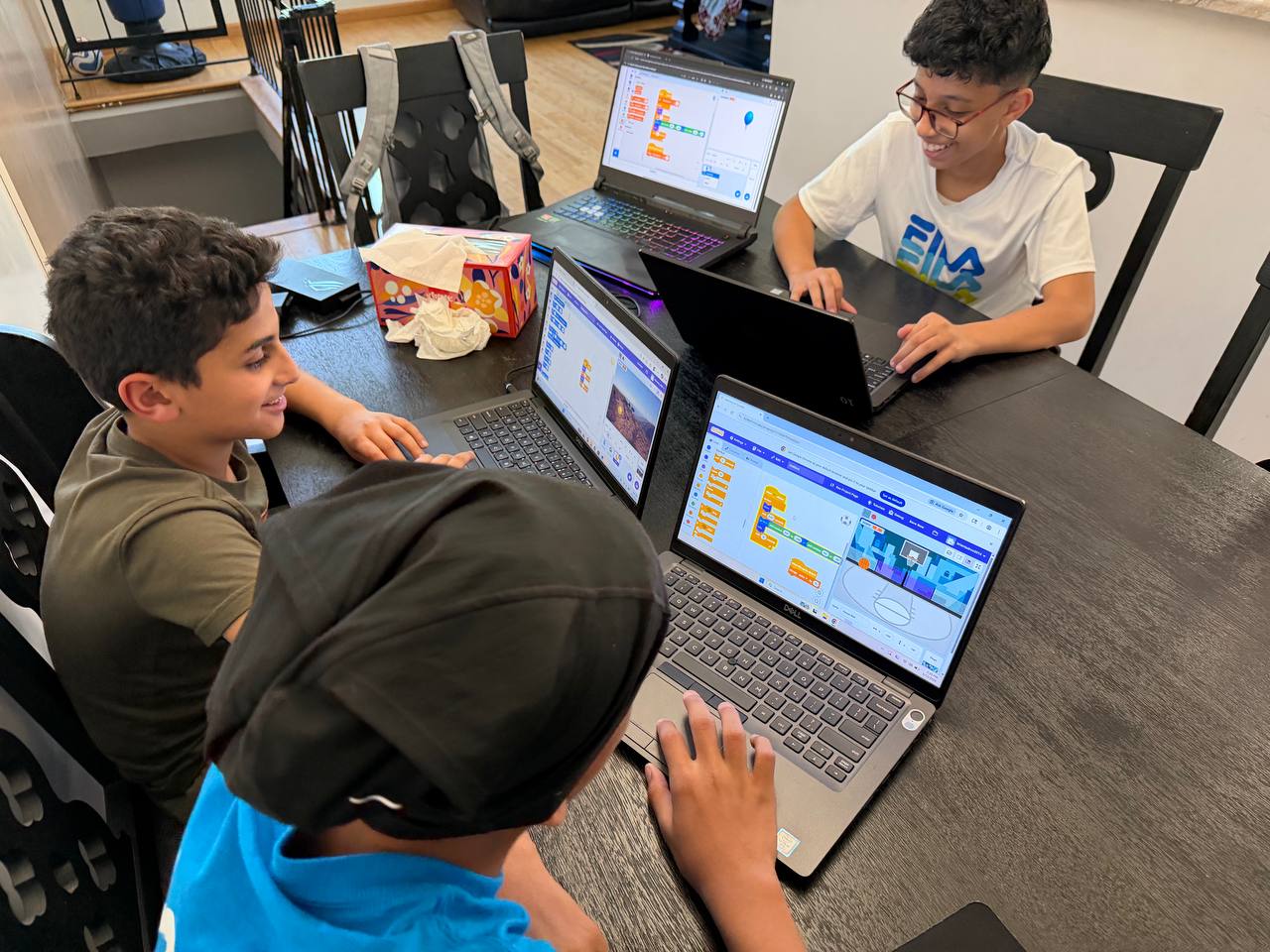
Scratch game design
Python code
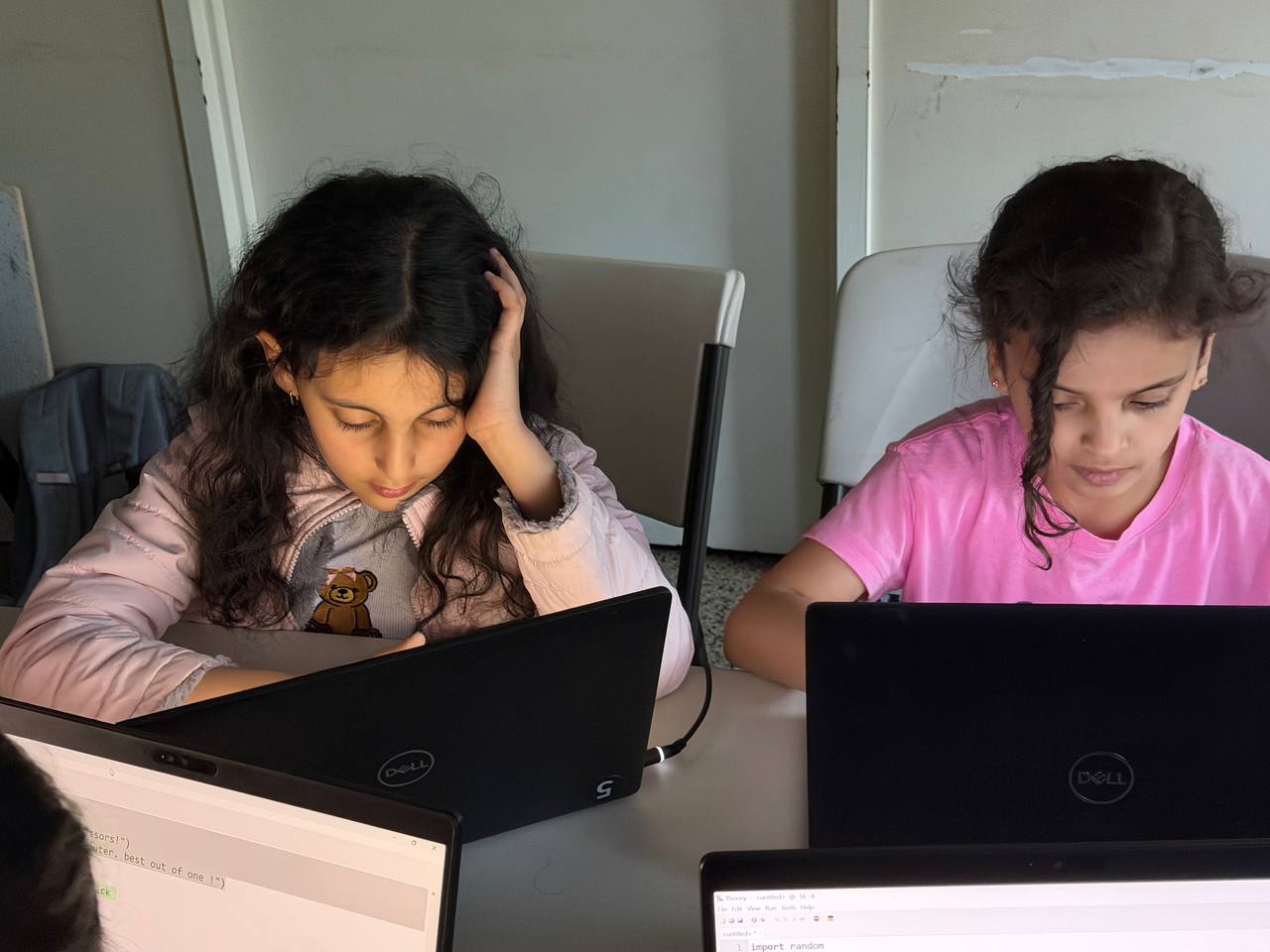
Small group focus
How it works
Book a free trial
We learn your child's level and interests.
Build from day one
Students make games, robots, sites, or apps.
Track progress
Parents see projects, notes, and milestones.
Game Creation
Ages: 7-10 YRS
Students learn coding basics by building games in Minecraft Education and Roblox Studio.
- Build games in Minecraft & Roblox
- Learn logic and algorithms
- Visual coding interface
- Fun, project-based learning
Creative Coding
Ages: 8-12 YRS
Kids use Scratch and LEGO Robotics to create animations, stories, and hands-on builds.
- Scratch animations & games
- LEGO Robotics projects
- Build interactive stories
- Share projects with family
Web Development
Ages: 10-14 YRS
Students design, code, and launch websites with HTML, CSS, and JavaScript.
- Code with HTML, CSS & JavaScript
- Master web styling and layout
- Launch live on the web
- Build a digital portfolio
App Development
Ages: 12-17 YRS
Older students build practical apps with Python and modern project workflows.
- Build apps with Python
- Learn UI/UX design
- Test on real devices
- Advanced problem solving

Which program is right for my child?
We help choose the track during the free trial. Online students need a computer and internet; in-person students can use our equipment.
Not sure where to start? We can help in the free trial.
Bring Coding To Your Program
Schools, after-school programs, and camps can request a project-based coding program built around their schedule, grade levels, and available equipment.
Schools
In-school enrichment for elementary, middle, and high school cohorts.
After-School
A turnkey coding club for programs that need structure and instructors.
Camps
Short project intensives where students finish with something visible.
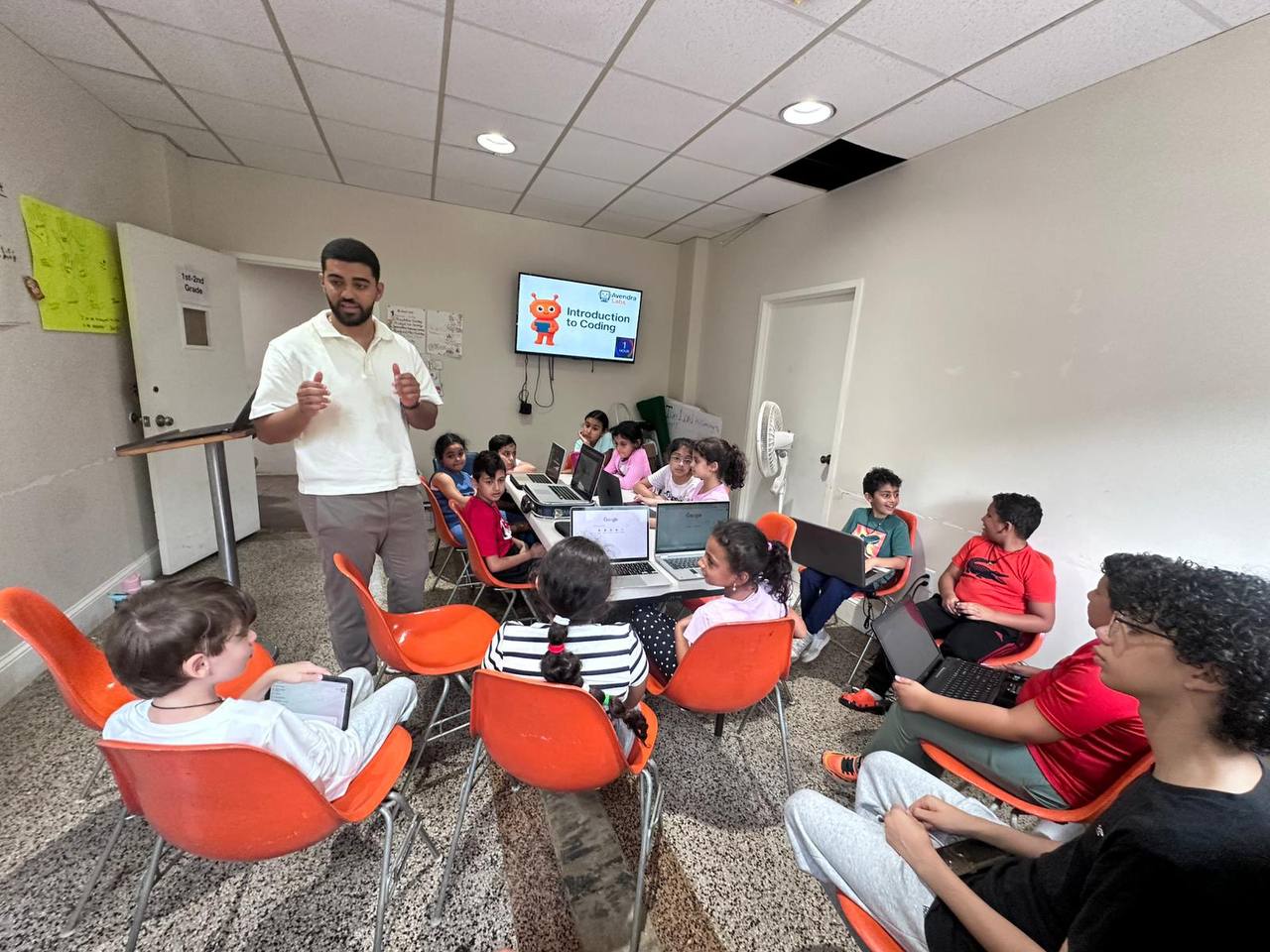
Background-checked instructors
Proposal intake before scope
Staten Island, NYC, NJ, and online
Background-checked instructors
Proposal intake before scope
Staten Island, NYC, NJ, and online
What Kids Build Over Time
Milestones make progress visible to students and parents.
4
Sessions
Week 4
Comfortable with the tools
- A first playable mini-project (game, animation, or site)
- Knows the vocabulary — loops, variables, events, conditions
- Confidence: "I can actually make stuff."
8
Sessions
Week 8
Shipping real projects
- A full project the student designed and built
- Debugging without asking — they read errors themselves
- Shared with family or a friend (big confidence moment)
12
Sessions
Week 12
Owning their craft
- A portfolio-worthy project to show off
- Independently combining multiple concepts from different classes
- Asking "what else can I build?" instead of "what do I do next?"
7 Belts. Concrete Milestones.
Each belt is tied to skills your child can demonstrate.
Explorer
Coder
Builder
Developer
Engineer
Architect
Master
Explorer
~5 sessionsStarting out — learning the tools and building first mini-projects.
Coder
~15 sessionsWriting working code with guidance. Ships small projects independently.
Builder
~30 sessionsDesigns and builds real projects. Starts debugging without prompts.
Developer
~50 sessionsCombines concepts, learns new tech on their own, mentors younger students.
Engineer
~80 sessionsShips polished projects with real architecture and thoughtful design.
Architect
~120 sessionsLeads full-scope projects end-to-end. Could start freelancing.
Master
~150 sessionsTeaching others. College-portfolio-ready work.
How you track progress as a parent
After class, you see instructor notes, completed projects, session history, and the current belt in the parent portal.
Projects Kids Can Build
Examples from the curriculum:

Space Adventure
by Alex, Age 10
A platformer game where you collect stars and avoid aliens!
Birthday Card Creator
by Emma, Age 8
Animated cards you can customize and send to friends!
My First Website
by Jordan, Age 12
Personal portfolio with photos, hobbies, and fun facts!
Calculator App
by Maya, Age 14
A working calculator with history and themes!
Dodge the Blocks
by Lucas, Age 9
Fast-paced game where you dodge falling obstacles!
Weather Widget
by Sophie, Age 13
Live weather display with cute animations!
No More "I Don't Know" After Class
Parents see what their child built, what skill improved, what comes next, and where to find every project after each session.
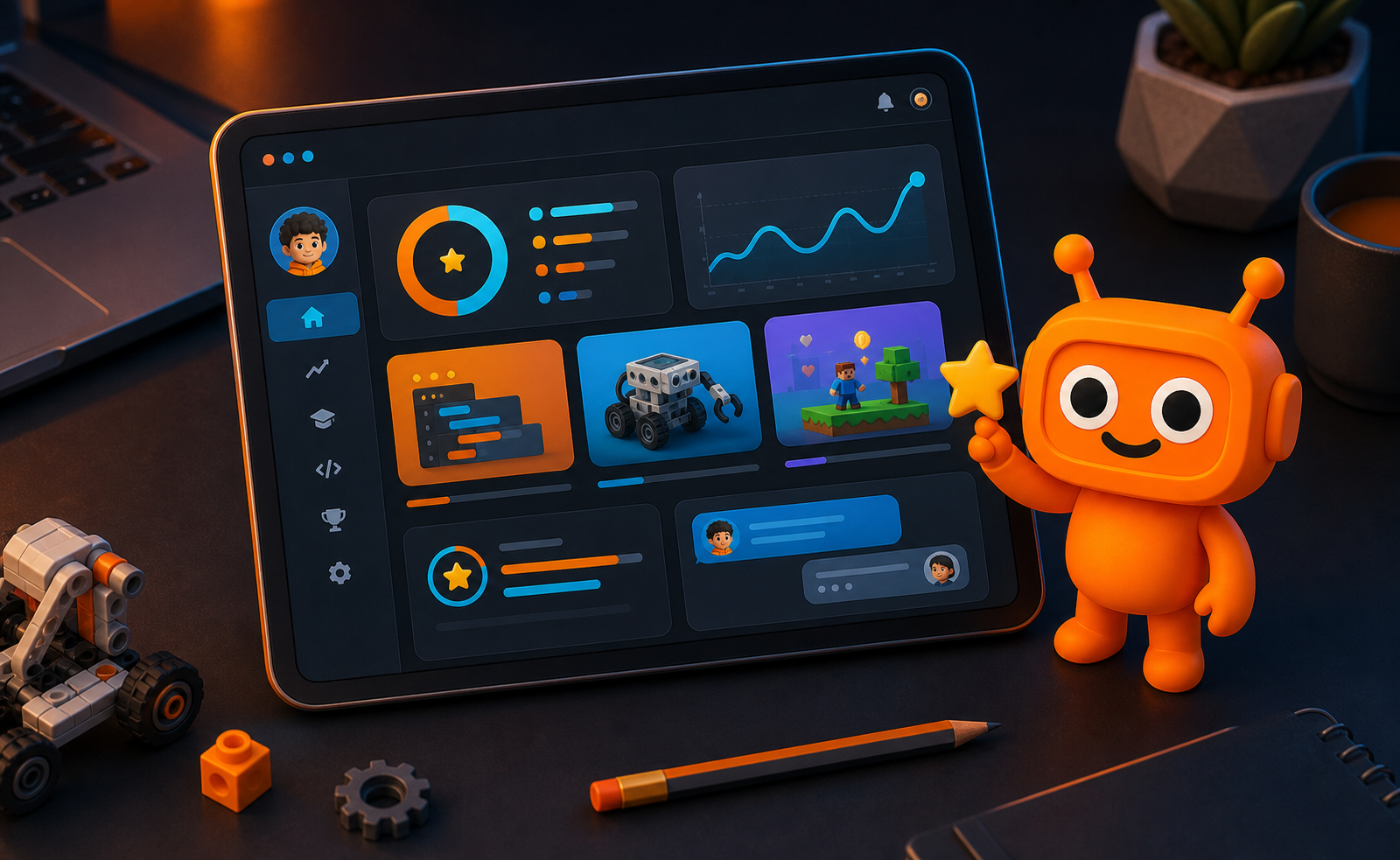
What parents see after class
"Alex built a working space game, learned collision logic, and is three projects away from the Builder belt."
1
Project built
3
Skills logged
75%
Next goal
Session receipt
What happened today, in plain English.
Next milestone
Belts, skills, and the next project goal.
Instructor notes
Ask questions while the class is fresh.
Private proof
A secure record for your family.
Book a Free Trial
Pick a time. No card required. We will confirm details by email.
Small classes, limited seats
Book a trial to see if it fits.
Loading scheduler...
If this takes a moment on mobile, the external scheduler link is below.
You will receive a confirmation after booking.
After Booking
Confirmation Email
Booking details arrive by email.
Quick Intro Call
We ask about your child's interests and level.
Free Trial Class
Your child joins a real class session.
No Pressure Decision
Continue only if it feels right.
Class Plans
Simple plans for weekly coding and robotics classes. Ages 7-17. Equipment provided.
Class Format
Ages 7-17
All levels welcome
Small Group
Max 15 students per class
90-Min Sessions
Weekly coding & robotics
Try a FREE Class
Pick a time, tell us what your child likes, and we will match the first project to their age and level. No payment required.
BOOK FREE TRIALWeekly Membership
Small Group (Max 15)
1 weekly 90-min class
- 90-minute weekly sessions
- Small group (max 15 students)
- All equipment provided
- Rotating curriculum
- Skill progression system
- Full parent dashboard access
Sibling Duo
2 Students · Small Group
2 students in weekly classes
- Both siblings enrolled weekly
- 90-minute sessions each
- Small group (max 15 students)
- All equipment provided
- Rotating curriculum
- Shared parent dashboard
Starter Pack
2 Sessions · $75 each
2 classes, no monthly commitment
- 2 classes to get started
- 90-minute sessions
- Small group (max 15 students)
- All equipment provided
- No monthly commitment
- Full parent dashboard access
The honest tradeoff
We are not the cheapest coding option, and we are not built for worksheet babysitting. You are paying for live instruction, real projects, parent updates, and a class path that adapts to your child.
100% Money-Back Guarantee
If you're not happy after your first 2 sessions, we'll refund you in full. No questions asked.
Makeups & Cancellations — in plain English
No fine print
Need to reschedule?
Let us know at least 24 hours before class and we'll credit the session — book a makeup anytime that month.
Missed class / late notice?
Under 24 hours or no-shows use that week's session. It happens — one "life got busy" pass per month is on us.
Want to pause?
Memberships can be paused for up to 30 days (illness, travel, sports season). Your seat is held.
Want to cancel?
Cancel anytime from the parent portal — effective end of your current billing cycle. No calls, no pressure.
Questions? Text or call 646-280-7578 — we'll sort it out the same day.
Class Bundles
No commitment — buy a pack of classes and use them anytime
Flexible Learning Support
We offer flexible enrollment options for families with multiple children and can tailor our programs to fit your schedule. Ages 7-17, all levels welcome. If you have specific needs or questions about our curriculum, we're here to help.
Questions Parents Ask
Quick answers for schedule, tools, progress, payments, and class setup.
Still have questions?
We're here to help you find the perfect fit for your child. Send us a message and our team will get back to you shortly.
CONTACT OUR TEAMLet Your Child Build Something This Week
Book a free class. We will match the first project to your child's age, skill level, and interests. You decide after seeing how they do.